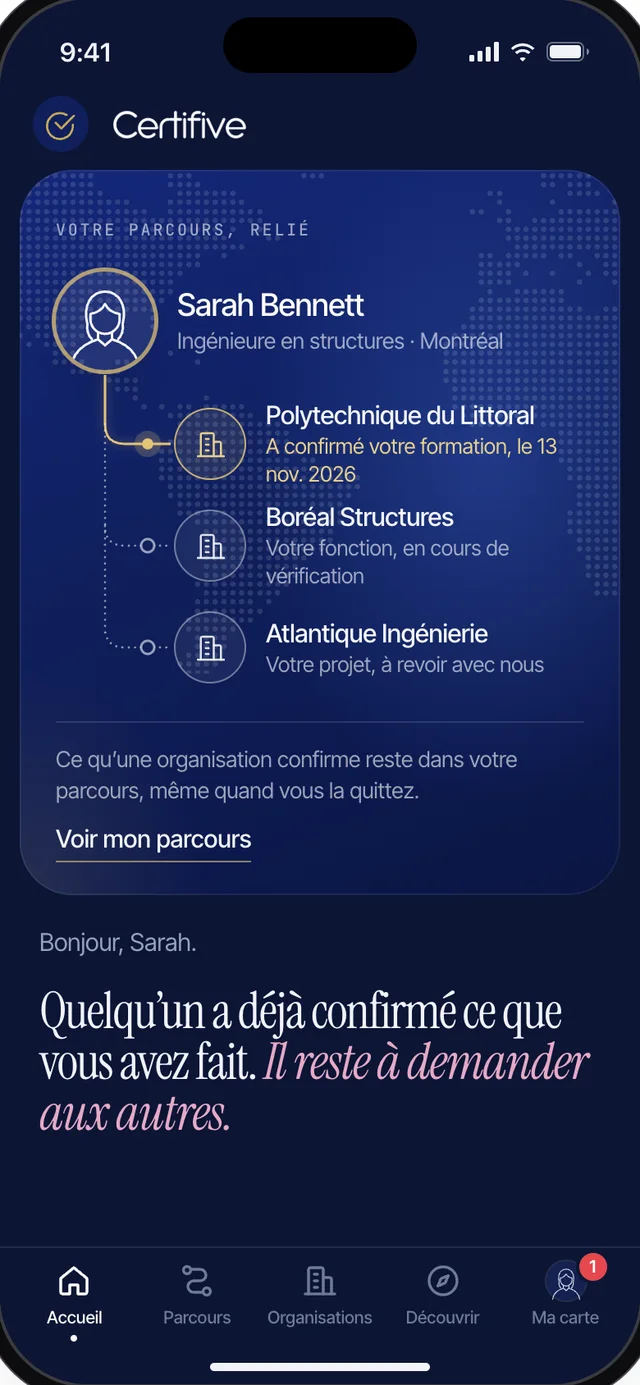
Coming very soon to iPhone and Android
Carry what you’ve done wherever you go.
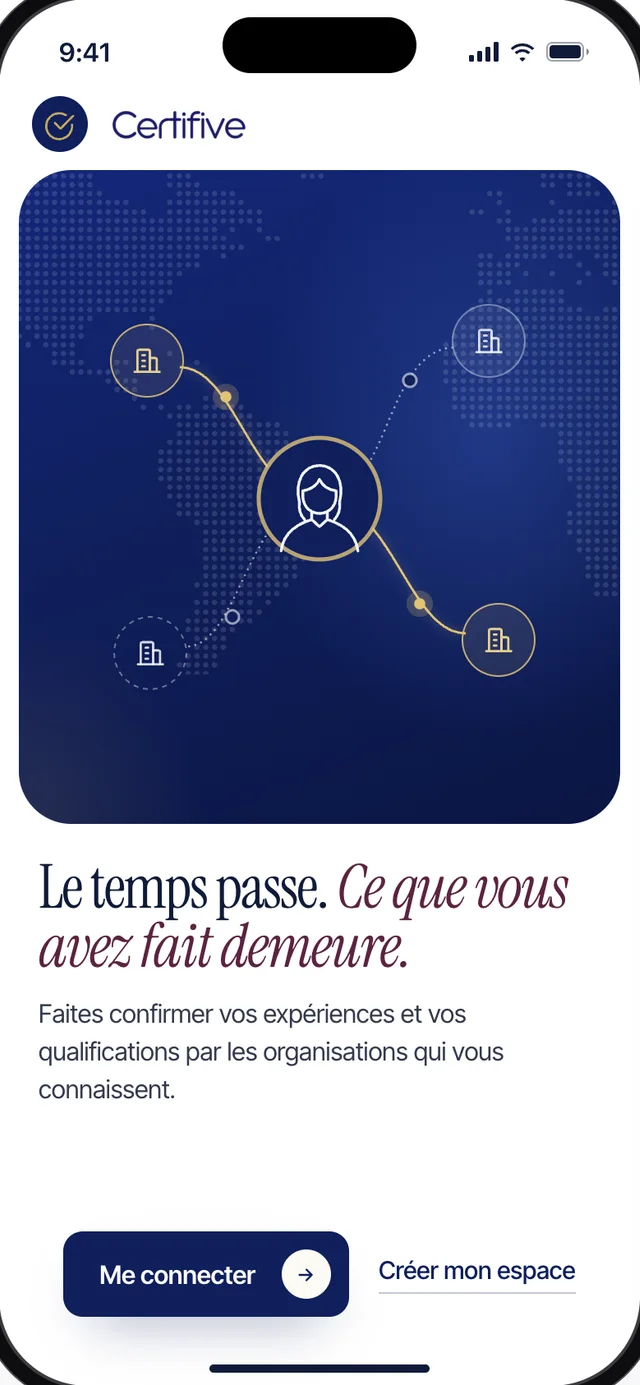
The Certifive app is coming very soon to iPhone and Android. Your card, your code and your whole journey, ready to show whenever someone asks.
Face to face
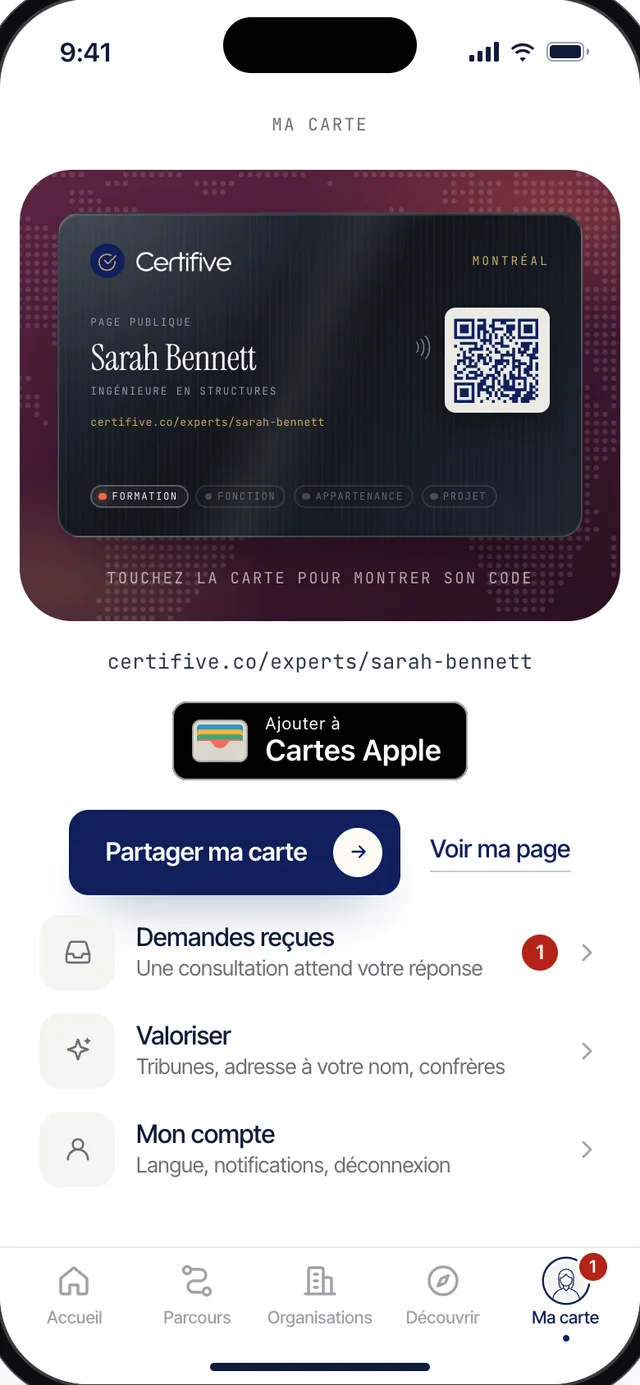
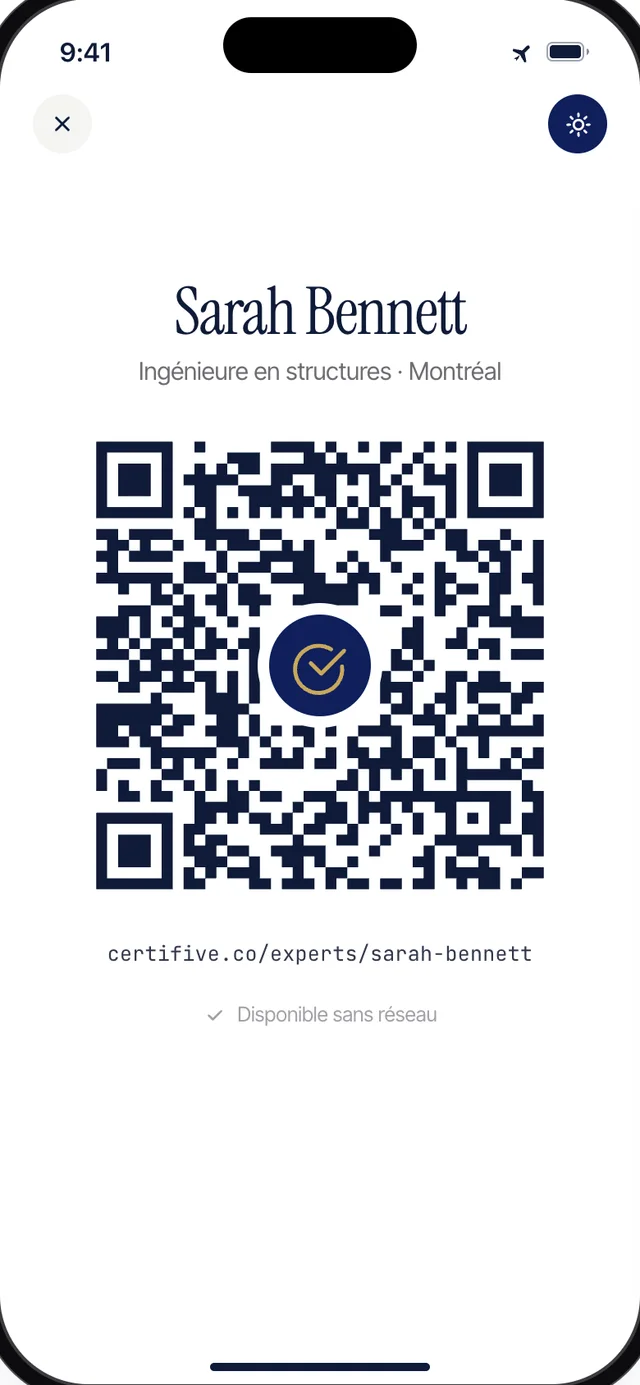
Someone asks who you are. Show them your card.
A client, a recruiter, someone you just met at a conference. You open your card and hold it out, the way you would a business card. They scan the code with their phone and land on your page: what you have done, and the organizations that confirmed it.
Your code shows up even with no signal. And your card also fits in Apple Wallet or Google Wallet, next to the others.
When an organization confirms
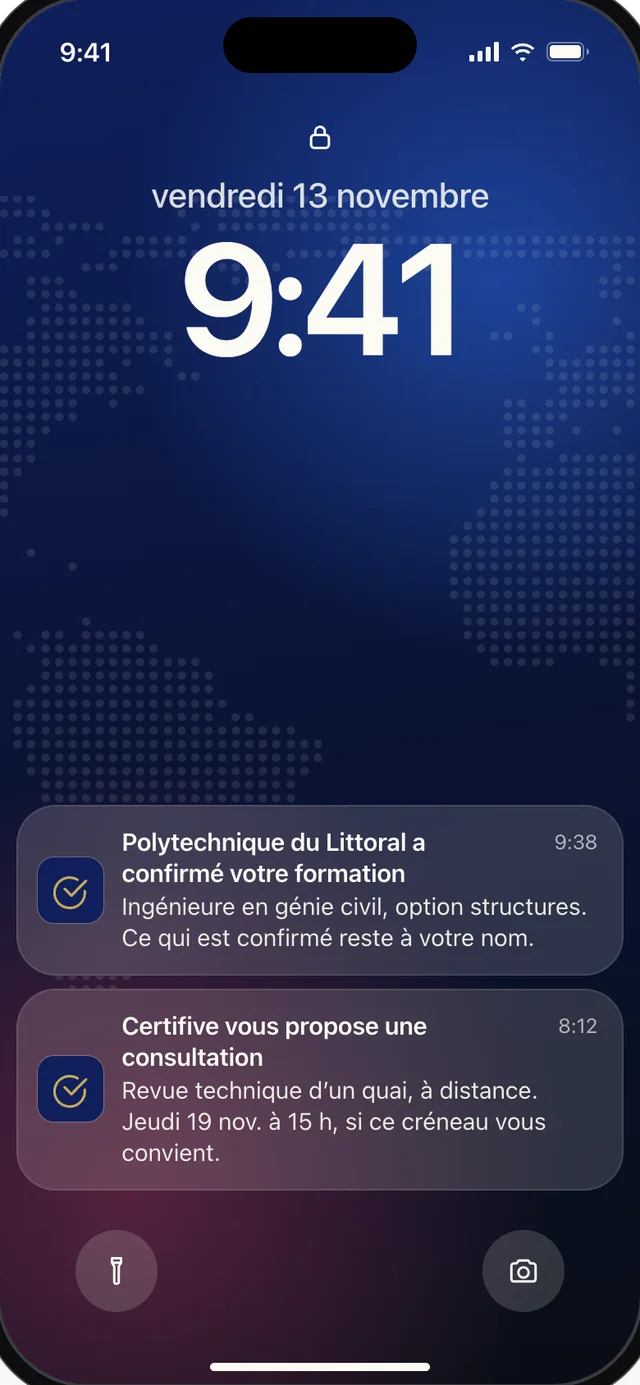
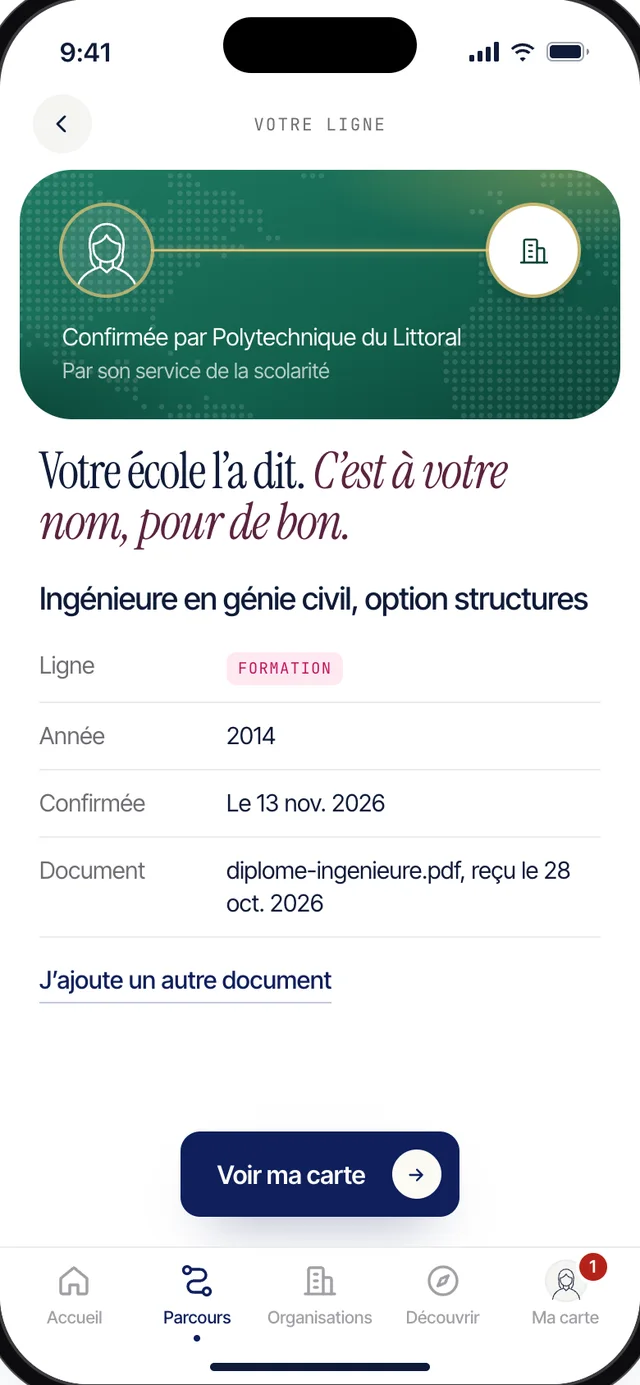
Your school just answered. You know right away.
You asked your school to confirm your degree. There is no need to keep checking. The day it says yes, your phone lights up: the line is confirmed, under your name, with the date.
The app only notifies you about that, and about the consultations Certifive offers you.
Wherever you are
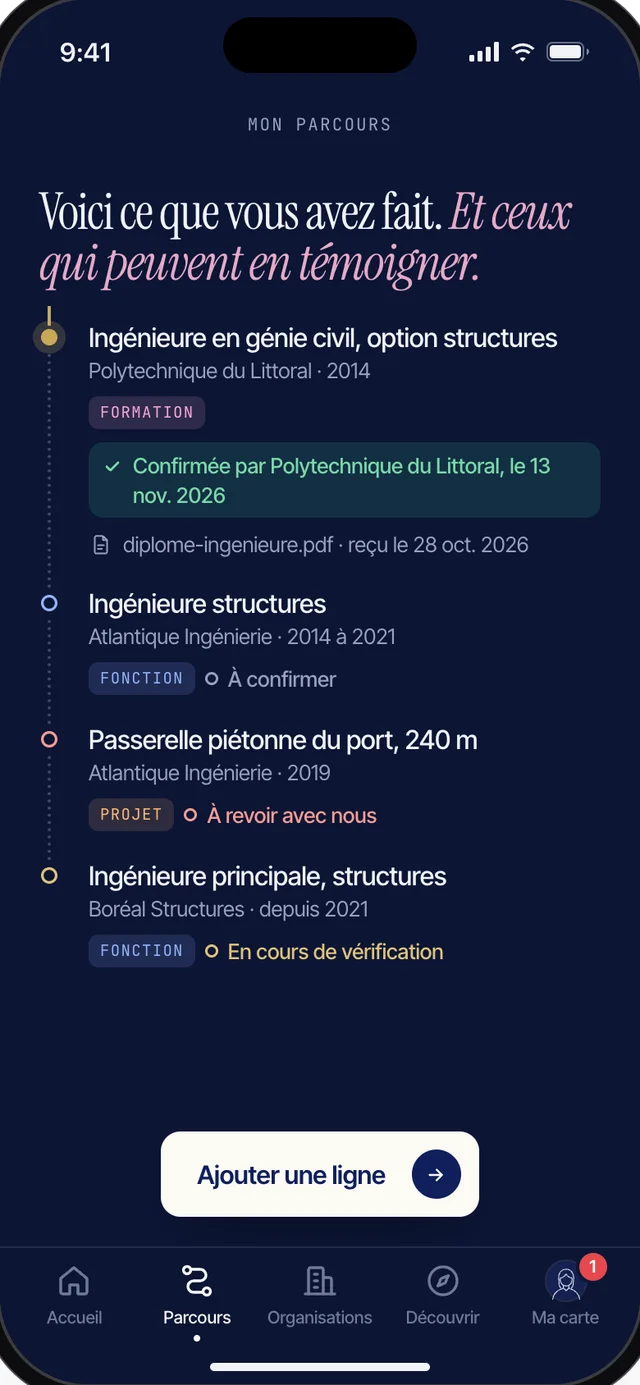
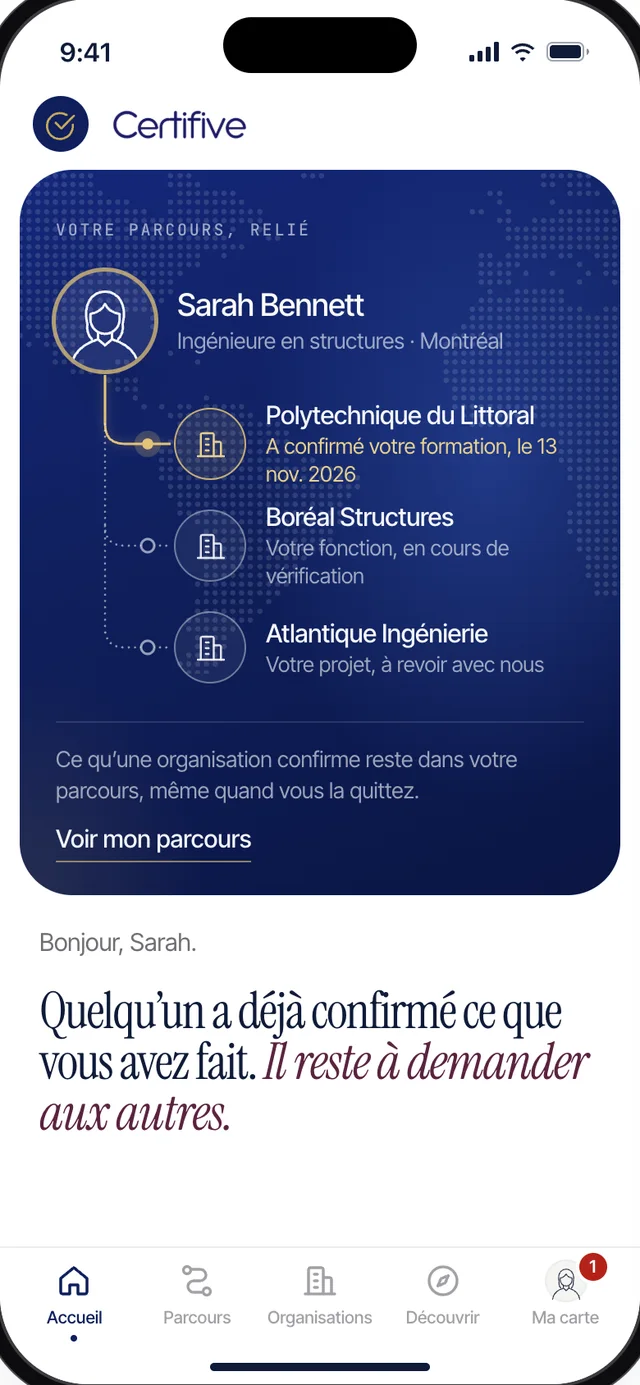
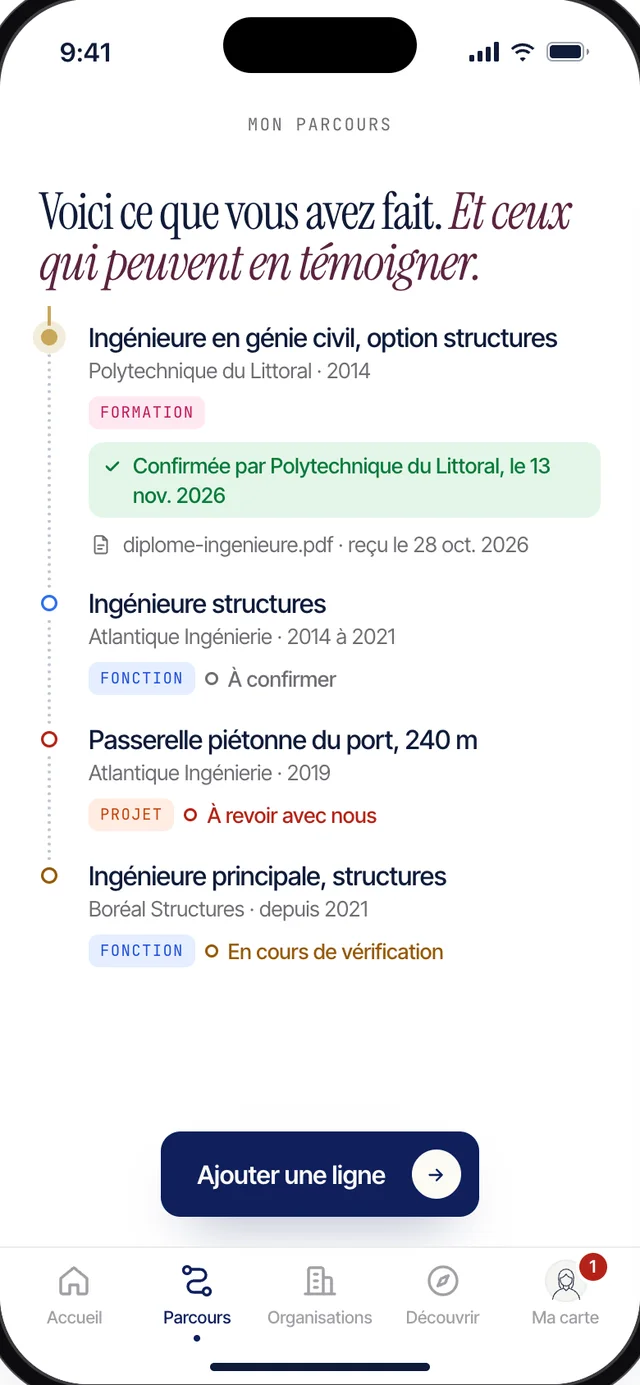
Here is what you have done. And the people who can vouch for it.
Your studies, your roles, your projects, the causes you served. Each line comes with the organization that can confirm it, and where things stand. Adding one takes a few words, wherever you happen to be.
What an organization confirms stays in your journey, even after you leave it.
The space you open today is the one you’ll find in the app.
You don’t have to wait for the app. The space you create today on certifive.co is the one you will find on your phone, with everything you have added to it.
When the app arrives, you will sign in with the same email address, using a code we send you.